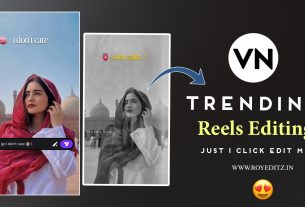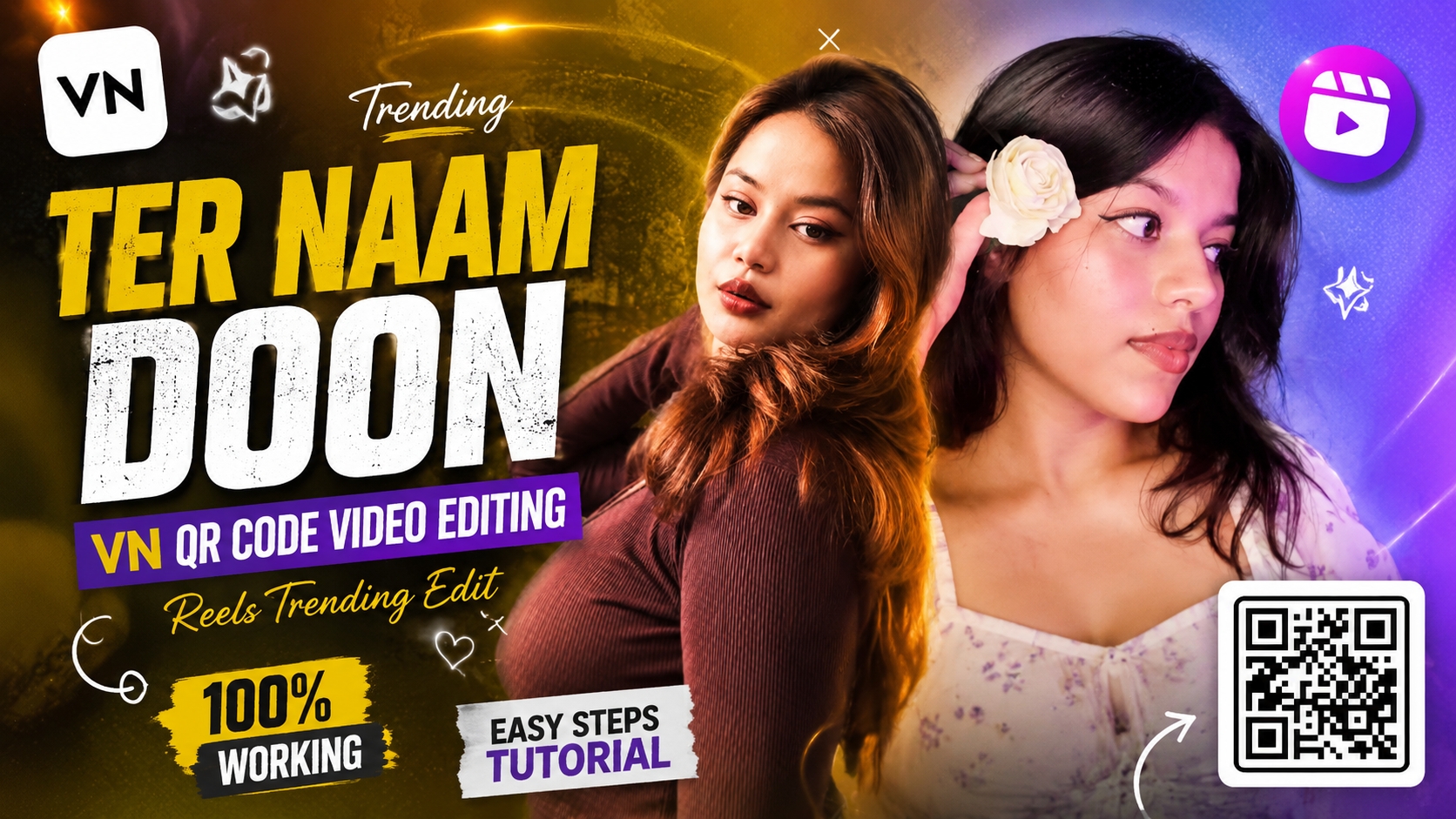
Aaj ke digital daur mein Instagram Reels aur YouTube Shorts par wahi content sabse zyada viral hota hai jisme engaging visuals, perfect beat matching aur trending audio ka powerful combination ho. Hal hi mein “Main Keh Doon Sabhi Ko… Tera Naam Doon” song par banne wali aesthetic lyrical reels social media par tezi se trend kar rahi hain. Is style ki reels mein vintage colour grading, animated star particles, text overlays aur dynamic zoom transitions ka use hota hai jo simple clips ko bhi cinematic look dete hain.
Agar aap ek content creator hain aur manual editing mein ghanto spend kiye bina professional aesthetic reel banana chahte hain, toh Main Keh Doon Sabhi Ko Reels VN Template Code aapke liye best solution hai. Is comprehensive guide mein hum step-by-step seekhenge ki kaise aap single QR code scan karke VN Video Editor ke andar is viral template ko import kar sakte hain aur apni clips replace karke high-quality export nikaal sakte hain.
What Is VN Template Code & Why It Is Perfect for Beginners?
VN Video Editor mobile video creators ke liye ek versatile aur professional tool hai. Manual editing mein layers, keyframes, transitions aur font animation ko beat par align karna beginners ke liye complex ho sakta hai. Yahin par VN QR Code Templates kaam aate hain.
- Single-Click Setup: VN template code ek pre-configured project file hoti hai jisme motion graphics, filters, text animation aur cut timings pehle se coded hoti hain.
- 100% Customizability: Code scan karne ke baad aap project ke andar clips ko swap kar sakte hain, texts ko customise kar sakte hain aur colour tone ko apne according tweak kar sakte hain.
- Zero Quality Loss: Third-party auto-generators ke comparison mein VN template original raw video quality aur frame rate ko intact rakhta ha
Key Features of Main Keh Doon Sabhi Ko (Tera Naam Doon) VN Code
Is specific template ko social media par high engagement grab karne ke liye design kiya gaya hai:
- Warm Golden Aesthetic Tone: Video mein sunset warm overlay aur yellowish vintage colour balance hai jo travel, aesthetic walk aur portrait clips par visually attractive lagta hai.
- Animated Retro Typography: “Main Keh Doon Sabhi Ko”, “Ki Tera Hi Hai Yeh Asar”, aur “Tera Naam Doon” jaise lyrics bold retro typography aur smooth fade-in motion ke sath sync hote hain.
- Floating 3D Star Overlay FX: Screen par floating sparkle aur star elements active rehte hain jo video mein fairy-tale vibe create karte hain.
- Smart Beat Sync Transitions: Slow-motion walk se dynamic jump cut tak, transitions background vocals ke sath accurately match hote hain.
How to Get the Official VN Code from royeditz.in
Is trending reel ka working QR code download karne ke liye official platform par visit karein:
- Apne mobile browser mein royeditz.in search karke open karein.
- Website ke search bar mein “Main Keh Doon Sabhi Ko VN Code” ya “Tera Naam Doon VN Template” enter karein.
- Relevant post open karke high-resolution VN Code Scanner Image ko apne phone ki Gallery / Photos mein save kar lein. vn Code –
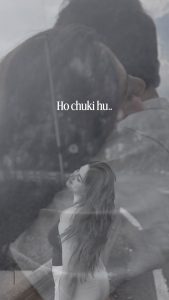



Vn QR Code 2026




Vn Code 2026
Step-by-Step Guide: How to Scan & Edit on VN Timeline
Neeche diye gaye steps ko follow karke aap is template ko direct apni timeline par laakar edit kar sakte hain:
Step 1: Scan the QR Code in VN App
Apne smartphone mein VN Video Editor app open karein.
Home screen ke top-right corner par bane Scan (QR Scanner) icon par tap karein.
Gallery option select karein aur royeditz.in se download ki hui QR code image ko select karein.
VN app code ko parse karega aur template preview screen show karega.
Step 2: Download the Project Assets
Preview screen par bottom mein diye gaye “Download” button par tap karein.
Template ke andar use hue overlays, fonts aur audio assets download ho kar load ho jayenge.
Download complete hone ke baad “Use Template” par click karein.
Step 3: Replace Clips on Timeline
Aapke samne media picker window open hogi.
Apni best portrait, slow-motion walk ya aesthetic clip select karein (Template ke requirement ke anusaar 1 video clip ya required segments select karein).
“Next” par tap karein. VN automatically aapki clip ko predefined cuts aur speed curve ke sath timeline par sync kar dega.
Step 4: Fine-Tune Framing and Audio
Timeline par imported clip par tap karein aur Crop / Position check karein taaki subject frame ke center mein rahe.
Agar aap original high-bitrate audio use karna chahte hain, toh audio layer ko check karein ki wo lyrics ke sath perfectly synced hai ya nai.
Best Export Settings for 4K / 60FPS Social Media Uploads
Reel banne ke baad export settings sahi na hone par Instagram par video blur ya compress ho sakti hai. High-retention render ke liye yeh settings apply karein:
Resolution: 1080p (FHD) ya 4K (Agar source video 4K mein shoot hui ho).
Frame Rate (FPS): 60 FPS (Smooth slow-motion aur clean visual playback ke liye).
Bitrate: Manual select karke 15 Mbps se 20 Mbps ke beech set karein.
Format: Auto / MP4 (H.264 codec recommended).
Export complete hone ke baad Instagram par upload karte waqt Instagram settings mein “Upload at highest quality” option enable karna na bhoolein.
Bonus Tip: Elevate Your Visuals with Custom Colour Tuning
Template apply karne ke baad video ko extra cinematic depth dene ke liye: VN timeline par clip select karke Filter > Adjust section mein jayein. Contrast ko +8 se +12 badhayein aur Saturation ko +5 boost karein.Warmth slider ko +10 par set karein taaki template ke vintage yellow tone ke sath aapka subject skin-tone naturally blend ho sake.
Conclusion
Main Keh Doon Sabhi Ko VN Template Code content creators ke liye ek powerful aur time-saving asset hai jo simple raw footage ko bhi viral-ready aesthetic masterclass mein badal deta hai. Bas royeditz. in se working code download karein, VN app mein scan karein aur apni clips ke sath timeline par customise karke publish karein. Consistent practice aur creative visual selection ke sath aap regular basis par high-engagement reels produce kar sakte hain.