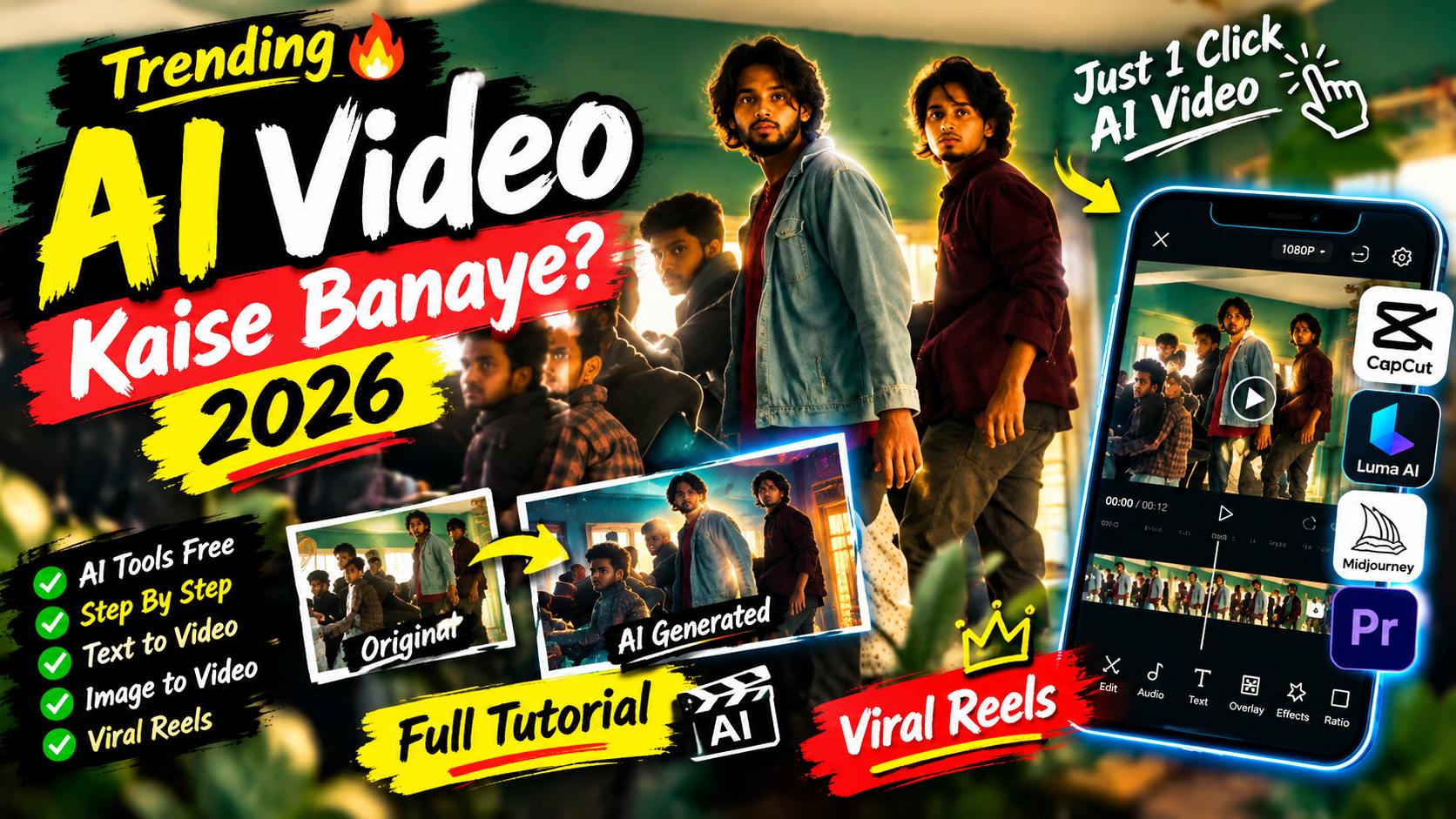
Social media par aajkal aisi videos bohot viral ho rahi hain jahan ek normal photo achanak se ek behtareen cinematic video mein badal jaati hai. Log aisi videos ko dekh kar hairan ho jaate hain ki aakhir bina kisi bade camera ya heavy computer ke aisi AI Couple Transformation kaise ho gayi.
Agar aapko editing ka ‘E’ bhi nahi aata, toh pareshan hone ki bilkul zaroorat nahi hai. 2026 mein video banana itna asan ho chuka hai ki aap bina kisi professional skill ke bhi, sirf mobile ka use karke internet-breaking videos bana sakte hain. Aaj is bilkul simple aur beginner-friendly guide mein hum seekhenge ki kaise aap AI Flow Video Editing Tutorial 2026 | One Click Viral AI Couple Transformation ki madad se apni khud ki viral video taiyar kar sakte hain.
Google Flow AI Kya Hai? (Bilkul Asan Shabdon Mein)
Sabse pehle samajhte hain ki yeh tool kya hai. [suspicious link removed] Google ka ek bilkul naya aur muft (free) platform hai jo internet par chalta hai. Iska kaam hai aapki kisi bhi simple photo ko ek chalti-phirti real video mein badal dena.
Ek beginner ke liye yeh kyun best hai?
- No Editing Skill Required: Aapko bade software jaise Premiere Pro ya After Effects seekhne ki koi zaroorat nahi hai.
- One-Click Magic: Bas photo upload karni hai, text likhna hai, aur aapki video taiyar.
- Real Look: Yeh normal cartoonish filters jaisa nahi hota. Isme kapde, baal, aur background bilkul asli video jaise move karte hain.
Ekdum Shuruat Se Seekhein: Google Flow Se Video Kaise Banayein?
Agar aapne zindagi mein pehle kabhi AI tool use nahi kiya hai, toh niche diye gaye steps ko ek-ek karke follow karein:
Step 1: Website Par Jaayein (Open the Studio)
Sabse pehle apne mobile ya laptop ke Chrome browser ko open karein. Wahan aapko [suspicious link removed] ke official dashboard par jaana hai. Apni Gmail id se log in kar lijiye, aapka dashboard turant khul jayega.
Step 2: Apni Photo Upload Karein
Dashboard par aapko ek Upload ya Image ka option dikhega. Us par click karein aur gallery se apni koi bhi pasandida couple photo select kar lein. Dhyan rahe, photo jitni saaf aur achhi lighting wali hogi, AI video utni hi sundar banayega.
Step 3: Magic Words (Prompt) Copy-Paste Karein
AI ko samajhane ke liye ki video mein kya karna hai, hume use kuch likh kar batana padta hai. Ise hum Prompt kehte hain. Aapko apna dimage lagane ki zaroorat nahi hai, bas niche diye gaye Positive Prompt ko poora copy karke wahan ke text box mein paste kar dijiye:
Create a 10-second vertical 9:16 photorealistic devotional video, 24 fps, with cinematic detail, warm natural light and one continuous frontal tracking shot. SINGLE PHOTO INPUT Use the uploaded photograph of the girl as the sole reference for her identity and facial expression. Construct the complete scene described below from text. The uploaded photograph is an identity reference, not a picture to display before the scene. Only one human girl appears. HIGHEST PRIORITY – FACE AND EXPRESSION Preserve the uploaded girl’s recognizable face, exact age, facial proportions, skin tone, eyes, nose, lips, cheeks, jawline and hairline throughout the video. Maintain the photograph’s precise facial expression: the same smile intensity, mouth opening or closure, visible teeth, lip corners, cheek tension, eyebrow position and emotional look. If the photograph has a neutral expression, retain it; if she is smiling, retain that exact smile. Keep her head orientation close to the reference. No talking, lip-sync, widening smile, laughing, surprised eyes, eyebrow acting, beauty filtering or face reshaping. Maintain a stable, reference-matched face across every frame. Create liveliness through the surroundings, scooter movement, fabric and subtle torso breathing without changing her expression. Her identity must remain completely separate from Ganesha.COMPOSITION AND STYLING The girl sits at the front of a glossy bright-pink vintage Indian scooter, upright, both hands naturally holding their respective black handlebar grips. Dress her in a modest child-sized red silk saree with rich gold floral brocade, a broad gold border and matching short-sleeved blouse. Add small gold jhumkas, a delicate gold necklace, red-and-gold bangles and a tiny red bindi. Arrange her dark hair loosely, with small white flowers at one side, preserving her recognizable hairline and unobstructed face. A gentle, child-sized Lord Ganesha rides immediately behind her, visible on screen-left beside her head. Give him a distinct elephant face, large soft pink ears, a curled trunk, small tusks, an ornate gold crown with a green jewel and peacock feather, a yellow dhoti, red-and-gold shawl and gold ornaments.
Step 4: Motion Setting Ko Set Karein
Wahan par ek slider hoga jise Motion Strength kehte hain. Yeh taye karta hai ki video mein kitni hulchul honi chahiye. Ise aapko 60% se 70% ke beech rakhna hai. Agar kam rakhoge toh video chalegi nahi, aur zyada rakhoge toh face kharab ho sakta hai.
Live Implementation: AI Video Kaise Ban Kar Taiyar Hoti Hai?
Jab aap upar diye gaye saare steps ko sahi se complete kar lete hain aur Generate par click karte hain, toh background mein Google Flow ka advanced AI model aapke diye gaye prompt ko real life mein implement karna shuru karta hai. Chaliye samajhte hain ki hamare prompt ke mutabik video kaise banti hai:
- Cinematic Camera Movement: Jaise hi video play hoti hai, camera boy ke left shoulder (baayein kandhe) ke peeche se shuru hota hai aur ek smooth 180-degree orbital motion (golaai mein) lete hue boy ke right shoulder ke peeche chala jata hai. Yeh dekhne mein bilkul aisa lagta hai jaise kisi badi movie ka shot ho.
- Realistic Character Expression: Video ke dauran ladka ladki ke gaal (cheek) ko halka sa touch karta hai aur dono ke foreheads (maathe) ek doosre se touch rehte hain. AI isme unki aakhon ka contact, natural breathing (saas lena) aur blinking (palkein jhapkana) itna real dikhata hai ki lagta nahi yeh photo se bana hai.
- Environment & Physics: Aapki original photo ka rooftop location, peeche ki brick wall (eent ki deewar), plants aur telecom tower bilkul apni jagah par fix rehte hain. Sabse kamaal ki baat yeh hai ki ladki ke baal aur saree ka pallu hawa mein bilkul natural tarike se udta hua dikhai deta hai, jo is South Indian cinematic romance vibe ko poora karta hai.
Video Ko Save (Export) Kaise Karein? (Best Settings)
Video banne ke baad use sahi tarike se gallery mein save karna zaroori hai taaki quality kharab na ho. Jab aapki video generate ho jaye, toh niche di gayi settings ko select karke download karein:
- Aspect Ratio (Size): Hamesha 9:16 choose karein. Yeh vertical size hota hai jo Instagram Reels aur YouTube Shorts ke liye bilkul perfect hai.
- Resolution (Quality): Agar option mile toh 1080p ya 4K select karein taaki video ekdum saaf aur HD dikhe.
- Duration (Time): Ise 4 se 8 seconds ke beech rakhein. Chhoti cinematic videos jaldi viral hoti hain aur log unhe baar-baar loop par dekhte hain.
In sabhi settings ko check karne ke baad Render/Download button par click kar dein. Video aapki phone gallery mein save ho jayegi.
Beginners Ke Liye Smart Trick (Video Viral Kaise Hogi?)
Aapne AI video toh bana li, ab ek choti si trick lagayein jisse log aapki reel ko pura dekhein:
Aap kisi bhi normal mobile app (jaise VN Editor ya CapCut) mein jayein. Sabse pehle apni original photo ko 1-2 second ke liye lagayein, aur phir uske theek baad is AI-generated video ko jod dein. Background mein koi dhasu romantic ya trending slow-reverb gana laga dein. Jab log pehle simple photo dekhenge aur achanak se use real cinematic video mein badalta hua dekhenge, toh aapka engagement rate bohot high ho jayega!
Conclusion
Toh dosto, AI Flow Video Editing seekhna aur use sahi se implement karna itna hi asan tha. Ab aapko kisi bade editor par paise kharch karne ki ya ghanto mehnat karne ki koi zaroorat nahi hai. [suspicious link removed] aur is master prompt ki madad se aap jab chahein tab aisi kamaal ki transformations create kar sakte hain. Apne phone ko uthayein, step-by-step follow karein, aur apni pehli viral AI video aaj hi banayein!