
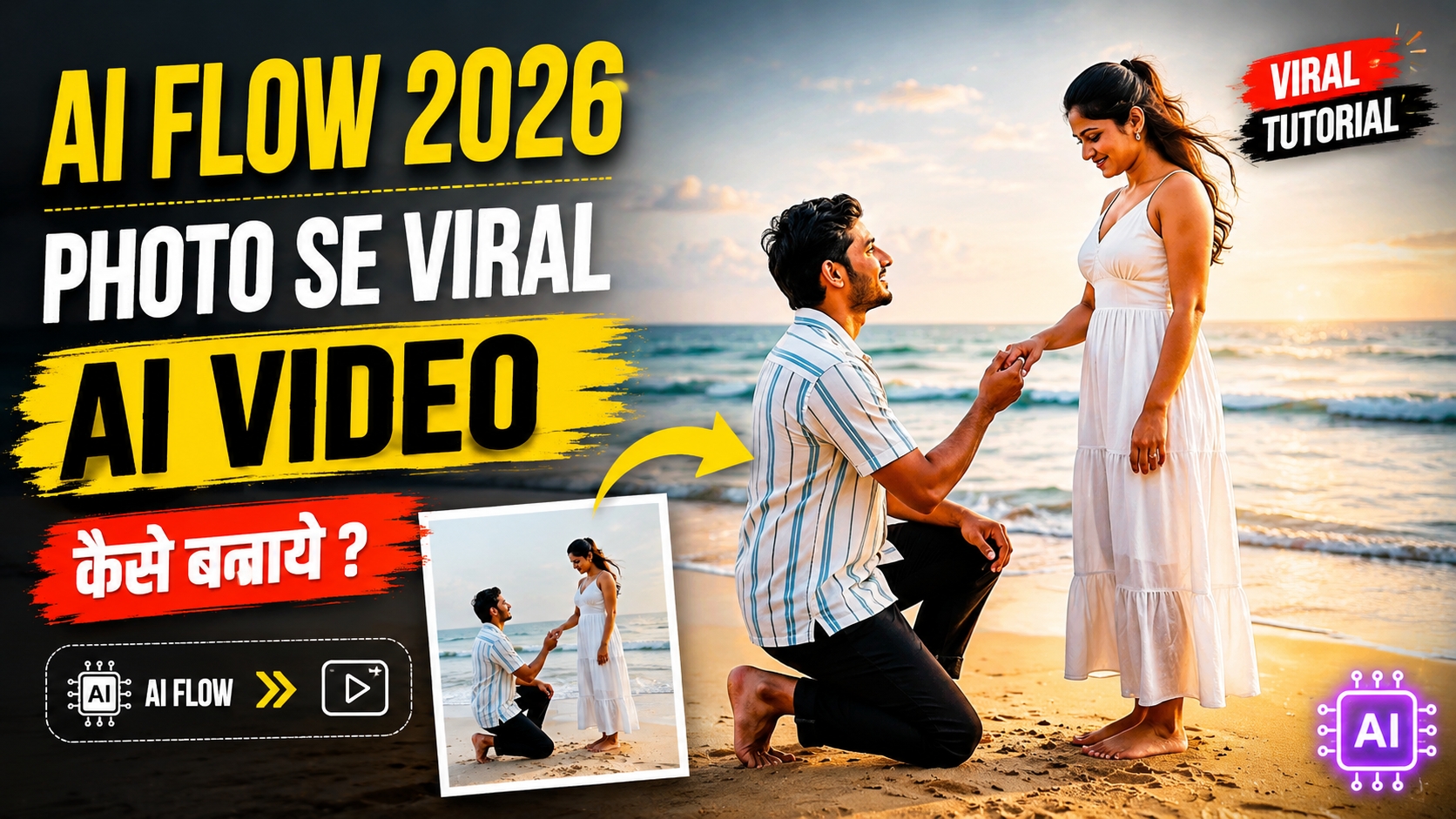
Social media platforms jaise Instagram Reels aur YouTube Shorts par static images ke comparison mein dynamic aur cinematic storytelling videos ko algorithm sabse zyada boost karta hai.
2026 mein generative artificial intelligence itna advance ho chuka hai ki ab aapko complex VFX software sikhne ki bilkul zaroorat nahi hai. Agar aapke paas ek normal couple photo ya single portrait image hai, toh aap use modern AI Flow technology aur structured text prompts ke zariye studio-level cinematic video mein convert kar sakte hain.
Is comprehensive guide mein, hum step-by-step explore karenge ki kaise aap royeditz.in website se ready-to-use prompt lekar Google AI Flow ke zariye high-quality viral video generate kar sakte hain.
AI Flow Video Generation Model Kya Hai Aur Yeh Kaise Work Karta Hai?
AI Flow image-to-video generator visual diffusion architecture par kaam karta hai. Yeh aapke dwara upload ki gayi image ke sabhi visual data points—jaise subject face symmetry, lighting source, background depth aur body angles—ko accurately read karta hai.
Jab aap tool mein structured motion prompt enter karte hain, toh AI continuous temporal frame interpolation generate karta hai. Iska practical benefit yeh hota hai ki subject ke face aur original details bina kharab hue natural walking movements, realistic wave motions, camera panning aur cinematic lens flares smoothly create ho jaate hain.
Video Generation Se Pehle Ki Zaruri Settings
AI se professional output paane ke liye video generate karne se pehle kuch technical steps follow karna zaroori hai: High-Resolution Source Image: Clean aur sharp photo ka use karein jisme light face par properly aa rahi ho. Aspect Ratio Selection: Vertical platforms (Reels & Shorts) ke liye hamesha 9:16 vertical ratio hi choose karein.Accurate Motion Prompt: AI ko precise visual instructions dene ke liye perfectly strucroyeditz.in Se Ready-To-Use Trending AI Prompts Kaise Nikalein? Realistic aur viral results paane ke liye prompt ka structure perfect hona sabse critical step hai. Agar aap manually complex prompts nahi likhna chahte, toh aap easily ready-to-use trending prompts download aur copy kar sakte hain. Iske liye pura direct workflow yeh hai:tured prompt ka use karein.
royeditz.in Se Ready-To-Use Trending AI Prompts Kaise Nikalein?
Realistic aur viral results paane ke liye prompt ka structure perfect hona sabse critical step hai. Agar aap manually complex prompts nahi likhna chahte, toh aap easily ready-to-use trending prompts download aur copy kar sakte hain. Iske liye pura direct workflow yeh hai:
Sabse pehle apne browser mein royeditz.in official website open karein.
Website ke search bar mein AI Flow Romantic Video Prompt ya AI Video Prompts search karein.Dedicated article open hone ke baad vahan diye gaye tested motion prompt ko direct single-click mein copy kar lein.
Ready-to-Use Master AI Proposal Prompt
Aap royeditz. in se copy kiye gaye is verified prompt ko direct use kar sakte hain:

Beach Walk: A young couple runs and plays happily along the shoreline on a sandy beach. Footsteps in the Water: Close-up shots capture their bare feet stepping through shallow water as gentle waves crash on the shore. Embrace & Lift: The man lifts the woman into a romantic embrace while they smile at each other. The Proposal: The man drops down to one knee on the sand. A close-up shows him sliding a gold ring onto her ring finger. The shot wide-angles back to show them sharing a romantic moment together on the beach. Ending: A close-up shot of both of their feet side-by-side on the shoreline as water laps around them.
Step-by-Step Guide: Google AI Flow Par Video Kaise Banayein
Step 1: Google AI Flow Workspace Open Karein
Google AI Flow platform par login karein aur Image-to-Video Creation Workspace select karein. New project initialise karte time output resolution 1080p Full HD select karein.
Step 2: Couple Reference Photo Upload Karein
Workspace ke Upload section mein apni high-resolution romantic couple photo drop karein. Dhyan rakhein ki photo clean aur blur-free ho taaki facial structure perfectly render ho sake.
Step 3: royeditz.in Ka Prompt Paste Karein
Prompt dialogue box mein royeditz.in se copy kiya gaya proposal prompt paste karein. Iske baad motion settings adjust karein:
Motion Strength: 5 se 7 ke beech set karein (zyada high value se facial distortion ho sakta hai).Camera Movement: Orbit / Slow Step 4: Render Aur Direct Download
Generate button par click karein. AI processing complete hone ke baad video ka live preview check karein aur file ko MP4 (High Bitrate) format mein device par download kar lein.Push-In select karein. Frame Rate: Smooth playback ke liye 30 FPS ya 60 FPS choose karein.
Step 4: Render Aur Direct Download
Generate button par click karein. AI processing complete hone ke baad video ka live preview check karein aur file ko MP4 (High Bitrate) format mein device par download kar lein.
Post-Production Workflow: Video Ki Quality Ko 4K Me Enhance Kaise Karein?
AI dwara generate kiye gaye raw footage ko direct upload karne ke bajaye, 5 minute ka quick post-production editing workflow follow karein:
Colour Grading: Apne mobile video editor (CapCut ya VN Editor) mein video import karein. Warm cinematic sunset look ke liye Temperature (+6), Vibrance (+10), aur Shadows (-3) tweak karein.
Film Stock Texture: 4% se 6% soft film grain add karein taaki AI-generated smoothness cinematic organic film jaisi lage. Layered Sound Design: Video ke background mein romantic instrumental track, natural ocean wave audio aur soft breeze ambient sound sync karein. Sound design visual storytelling ko instantly next level par le jata hai.
Bonus Tip: Visual Consistency Aur Face Preservation Trick
AI tools hamesha input image ke lighting environment ke according work karte hain.
Agar aapki base photo golden-hour outdoor sunlight ki hai, toh prompt ke visual environment keywords (jaise Golden Hour Sunset, Warm Diffused Light) match karne chahiye. Isse AI facial skin tones ko bilkul realistic rakhta hai aur rendering ke dauran unnatural plastic look nahi banta.
Conclusion
Photo se cinematic AI video banana ab behad simple ho chuka hai. royeditz.In se accurate trending prompt copy karein, Google AI Flow mein photo upload karke motion settings adjust karein aur quick colour grading ke baad professional viral videos ready karein. Regular practice se aap har baar aur behtar visual outputs create kar payenge.