
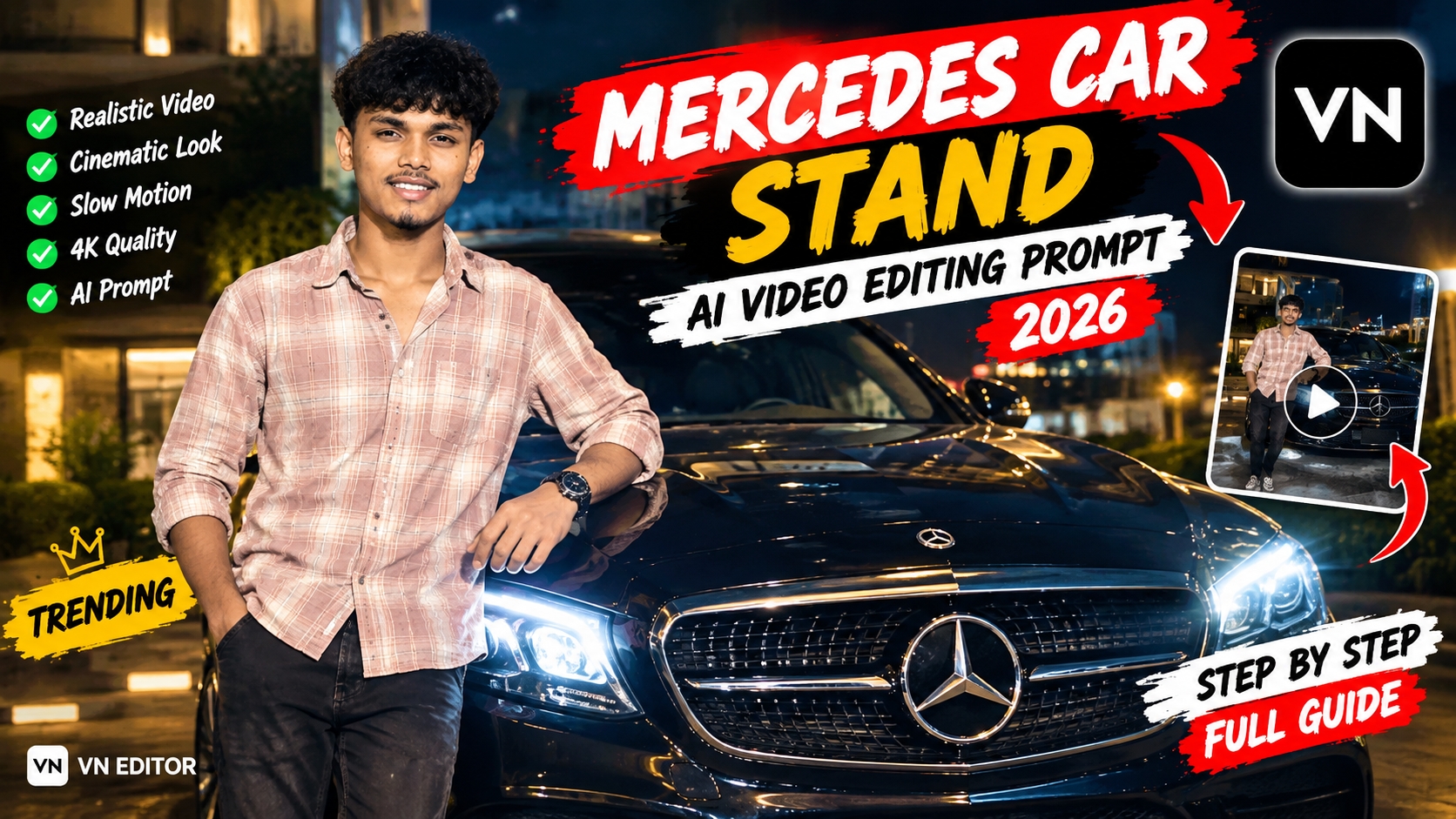
·Social media par aaj ke time me luxury lifestyle content hamesha se sabse zyada viral hone wale topics me se ek raha hai. Chahe baat Instagram Reels ki ho ya YouTube Shorts ki, black luxury Mercedes car ke sath cinematic transition aur aesthetic drive videos ko audience bahut zyada pasand karti hai. Pehle is tarah ke high-budget cinematic shots shoot karne ke liye professional lighting, expensive cameras aur luxury cars ki need hoti thi. Lekin saal 2026 me advanced generative artificial intelligence tools ne content creation ko bilkul aasan aur accessible bana diya hai.
Ab aap bina kisi expensive setup ke, realistic visual assets aur step-by-step workflow ke zariye bilkul realistic video generate kar sakte hain. Is guide me hum Mercedes Car Stand AI Video Prompt 2026 ka complete beginner-friendly workflow discuss karenge, jisme Google ke AI tool ke andar reference video, raw video aur prompt ka use karke flawless output banaya jata hai.
Luxury Car Video Trend Ka Magic.
Short-form platforms par visual consistency aur cinematic appeal ka direct connection retention rate se hota hai. Jab screen par ek gleaming black Mercedes car, natural glass reflection aur accurate human movement dikhta hai, toh audience swipe karna band kar deti hai.
Is aesthetic ko authentic banane ke liye teen factors sabse critical hote hain:
- True-to-Life Face Match: Video me face warping ya fake AI plastic skin effect na aaye.
- Realistic Light Physics: Car ke windshield aur driver window par real daylight reflections honi chahiye.
- Stable Camera Motion: Front hood aur Mercedes logo se transition hokar camera driver seat tak smooth angle me travel kare.
In teeno cheezon ko perfectly replicate karne ke liye structured prompt aur proper video reference pairing sabse powerful tarika hai.
Official Mercedes Car Stand AI Video Prompt 2026
Yeh prompt visual pacing, lighting consistency aur physical movements ko target karne ke liye expertly curate kiya gaya hai. Is official prompt ko aap royeditz.se se copy kar sakte hain:
Prompt’ ⤵️
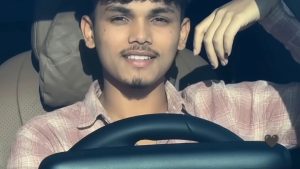
Create an ultra-realistic cinematic video of the same young man sitting naturally in the driver's seat of a black luxury Mercedes car. Keep his face exactly consistent with the reference photo, including facial features, hairstyle, skin tone and light beard. He looks naturally toward the side, smiles slightly, then looks forward while keeping one hand naturally on the steering wheel. Realistic human movement, natural blinking, subtle head movement and breathing. Show authentic car interior, steering wheel and dashboard. Camera slowly moves from a close front windshield view toward a slightly closer side angle. Realistic windshield reflections and tinted glass, natural daylight, accurate shadows, realistic skin texture, shallow depth of field, cinematic color grading, 4K, highly photorealistic, no face distortion, no extra fingers, no warped hands, no artificial-looking face. Match the reference video's camera movement, framing, lighting, pacing and natural facial expressions. Make it look like a real camera-recorded video, not Al-generated.
Generate Ai Video
Step-by-Step AI Video Generation Process
Google ke generative video workflow me flawless output generate karne ke liye steps ko sahi sequence me execute karna behad zaroori hai.
Step 1: Reference Video Upload Karein
Sabse pehle AI workflow tool ko open karein aur visual reference panel me Reference Video upload karein.
Yeh clip AI engine ko camera angle, vehicle placement aur motion framing ka structure provide karti hai.
Reference video clean 1080p ya 4K clarity me honi chahiye taaki system background car details aur light reflections ko sahi se map kar sake.
Step 2: Apna Raw Video Upload Karein
Reference video map ho jane ke baad next slot me apna Raw Video upload karein.
Is clip me aapka original face, expressions, skin tone aur exact hair texture visible honi chahiye.
Normal room light ya outdoor daylight me record ki gayi 3 se 5 second ki stable clip sabse best result deti hai.
Tool is raw clip se aapke natural facial features aur micro-gestures ko extract karke car environment me seamlessly align karta hai.
Step 3: Official Prompt Ko Copy-Paste Karke Run Karein
Dono visual files load karne ke baad Prompt Field me upar diya gaya text prompt copy karke paste karein.
Prompt submit karte hi Google AI engine aapke raw clip ke facial features aur reference video ke luxury car environment ko combine karna shuru kar deta hai.
Kuch hi seconds ke processing time me AI full cinematic pacing, accurate blinking, steering posture aur authentic camera angle ke sath nayi video generate kar deta hai.
Step 4: High-Quality Output Export Karein
Generation complete hone ke baad video ka preview check karein aur use maximum available resolution me direct download/export kar lein.
Post-Production & Visual Enhancement…
Raw AI output download karne ke baad agar aap use kisi third-party editing application jaise CapCut, VN Editor, ya Premiere Pro me thoda polish karte hain, toh video 100% natural cinema camera jaisi lagne lagti hai.
1. Cinematic Colour Grading
AI clips me contrast aksar thoda balanced hota hai. Usme depth lane ke liye:
Shadows ko -5% se -8% drop karein taaki black Mercedes car ki body aur cabin me solid luxury finish mile.
Contrast ko +10% enhance karein aur warm highlights add karein taaki golden daylight feel create ho sake.
2. Smooth Transition Effects
Agar aap apni video me multiple angles combine kar rahe hain ya intro se car shot me jump kar rahe hain:
Ek clean Motion Blur, Zoom Push, ya soft Film Dissolve transition use karein.
Cut point ko beat drop ke sath align karein taaki video ka flow ultra-smooth lage.
3. Resolution Upscaling & Clarity
Third-party mobile ya desktop software me sharpening tool ko 10–15% par adjust karein. Isse car ke badge, steering wheel aur eye details sharp ho jati hain aur compressed AI artefacts gayab ho jate hain.
Bonus Tip: Ambient Foley & Engine Audio Layering
AI sirf visuals generate karta hai, isliye realistic retention ke liye audio design par dhyan dena bohot effective hota hai. Jab car cabin ka scene play ho, tab background me ek low-rumble V8 car idle engine sound effect aur halka sa cabin AC hum add karein. Visuals ke sath jab natural luxury ambient audio sync hota hai, toh audience ko lagta hi nahi ki video kisi AI model se banayi gayi hai.
Conclusion
Mercedes Car Stand AI Video Prompt 2026 ka step-by-step workflow use karke aap minutes me viral-quality luxury lifestyle reels create kar sakte hain. Google AI workflow me reference aur raw video ka sahi combination daal kar bas prompt execute karein aur post-production me halki grading karein. Regular practice aur visual testing se aapki editing har din aur authentic banegi.